Using the Structure Builder with tri-meshes
After your QC of the tri-meshes, you can use the Structure Builder to proceed with a cleanup and the structure building process to create a watertight model. This is optional. The workflows you will use to create the models already include extension and retraction. The Structure Builder tools do, however, allow you to override the automatically created fault-fault intersections in those cases where the automated algorithms failed to truncate the faults correctly. The Structure Builder provides three tools:
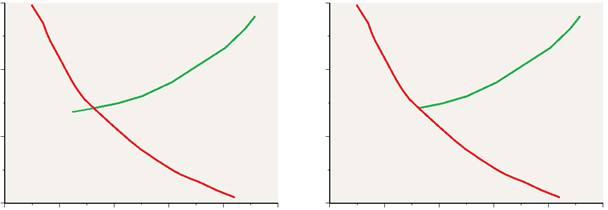
Retraction of a tri-mesh in a cross section view click to enlarge
Retract Use this to resolve intersections between input tri-meshes by retracting the edges of overlapping tri-meshes so that they no longer intersect. A user-defined retraction setting limits the distance that a tri-mesh can be retracted to avoid creating additional problems.
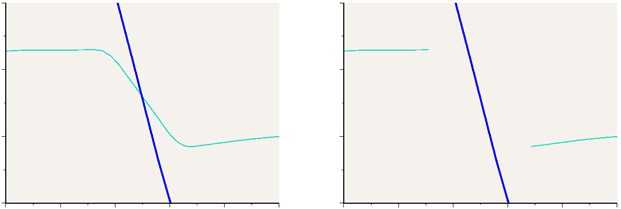
Cleaning up a tri-mesh in a cross section view click to enlarge
Clear Intersections Use this to clean up any tri-meshes that still intersect after the retraction step. For each intersection, select which tri-mesh should be cut.
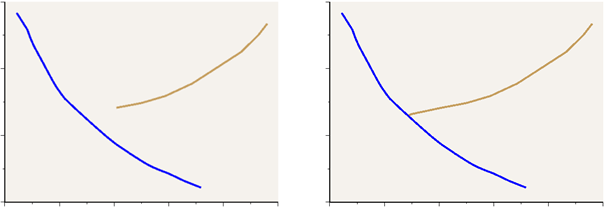
Extension of a tri-mesh in a cross section view click to enlarge
Extend Use this to extend the edges of retracted tri-meshes so that they connect correctly.
Extend by certain distance With this Extend form, you can extend tri-meshes by a certain amount in any direction. You can also clear, retract and extend intersections to other surfaces.